Technology
All scholars' devices are protected by insurance at no cost to families for software problems and first hand replacement. The school can also provide internet hotspots to scholars who need reliable online access at home.
DLA on-site Network Technicians are Mr. Estrada and the Itinerant (Tues.). The tech office is located downstairs in the A building - A109.
If you are unable to get help on-campus, you can call the district helpline at 760-291-3030 (press option 1).
Scholar iPads - School Year 2026-2027
- 9th Grade Scholars - iPad 11 GEN, plus keyboard case, Charger and cable
- 10th Grade Scholars - iPad 11 GEN, plus keyboard case, Charger and cable
- 11th Grade Scholars - iPad 10 GEN , plus keyboard case, Charger and cable
- 12th Grade Scholars - iPad 10 GEN , plus keyboard case, Charger and cable
If you lost your charger/cable replacements cost are:Charger replacement cost : $19.00Cable replacement cost: $19.00Combo: $38.00Please pay at the finance window first and then bring receipt toAcademic Commons to pick up New item.An Important Note about Your Scholar's iPad and casesYour device is covered by AppleCare. If it is damaged, please bring it to DLA immediately. The first two repairs are free. For lost and stolen is full price. Do not take your device to an outside vendor for repairs. This will void your AppleCare plan, incur costly fees, and we will no longer be able to send it to Apple for repairs. AppleCare does not cover loss or theft.
MiFi Internet Hotspots
Del Lago Academy provides mobile internet hotspots, called MiFi's, for scholars who do not have internet access at home. Our current hotspots are the T-Mobile (T10 Franklin), pictured below; a limited supply of hotspots is available.
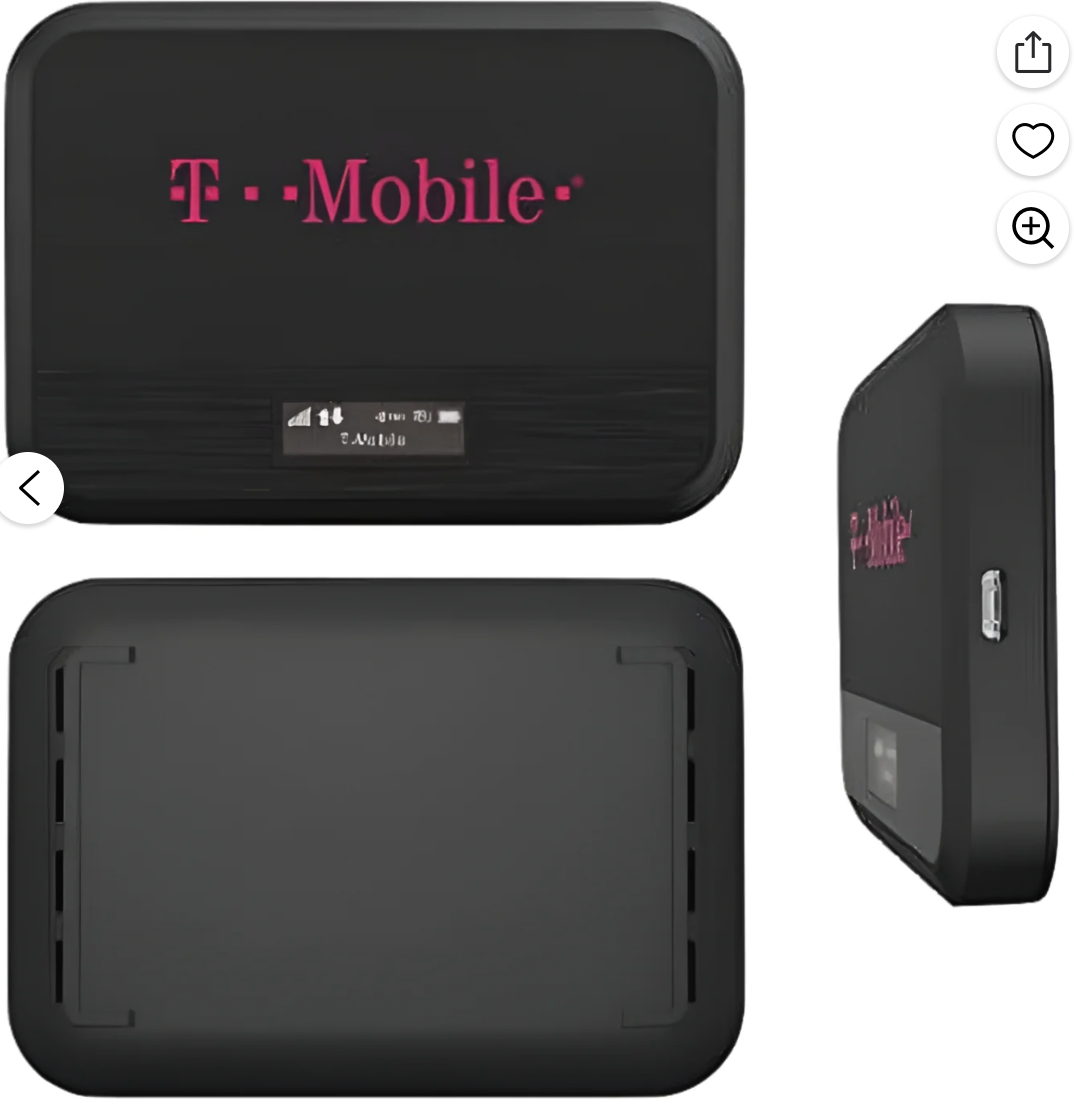 T-Mobile (T10 Franklin) Hotspot will only work with scholars' iPads at home. It will connect automatically. |
TI-nspire CAS and CX Calculators
 TI-nspire CAS calculators are designated for scholars in AP Calculus and AP Statistics classes. (Check out to each scholar) |
 TI-nspire CX calculators are designated for scholars in Math 1-4 classes. (Class sets). |
Please charge your device by plugging the provided cable into a laptop or desktop, if available. If not, the calculators can be charged via your iPad's AC adapter in a wall socket.
10th Grade iPad Styluses
Scholars in 10th grade have been provided with an iPad stylus Pen (similar to an Apple Pencil) for use in their CTE classes. If lost or stolen scholar would have to pay for a replacement .Please pay at the finance window first and then bring receipt to Academic Commons to pick up New item.
Most styluses can be used just a few seconds after they are powered on. You do not need to go into your Bluetooth settings and select a device. If you are having issues with your stylus, please visit the Academic Commons for troubleshooting or a replacement.
 |
Please keep the zippered storage bag (along with all included materials); all of these items will be required to check the stylus back in at the end of the school year. |
Helpful Guides